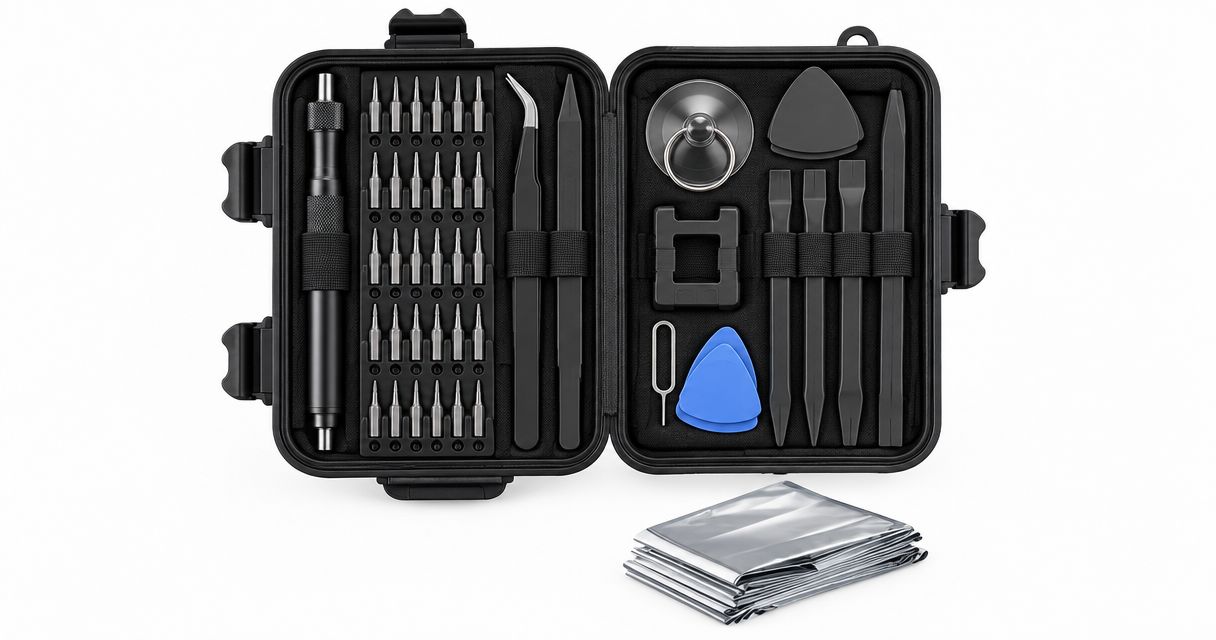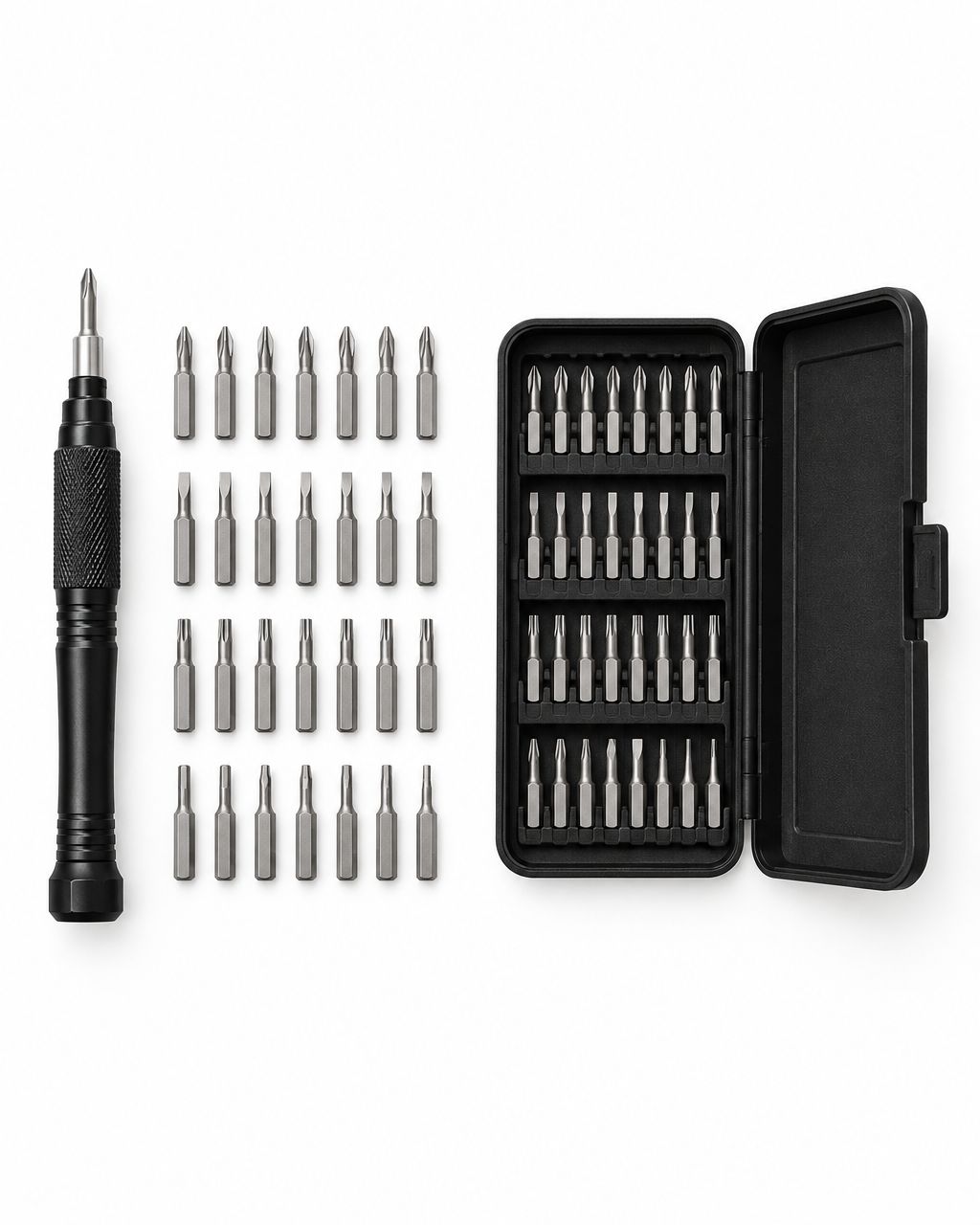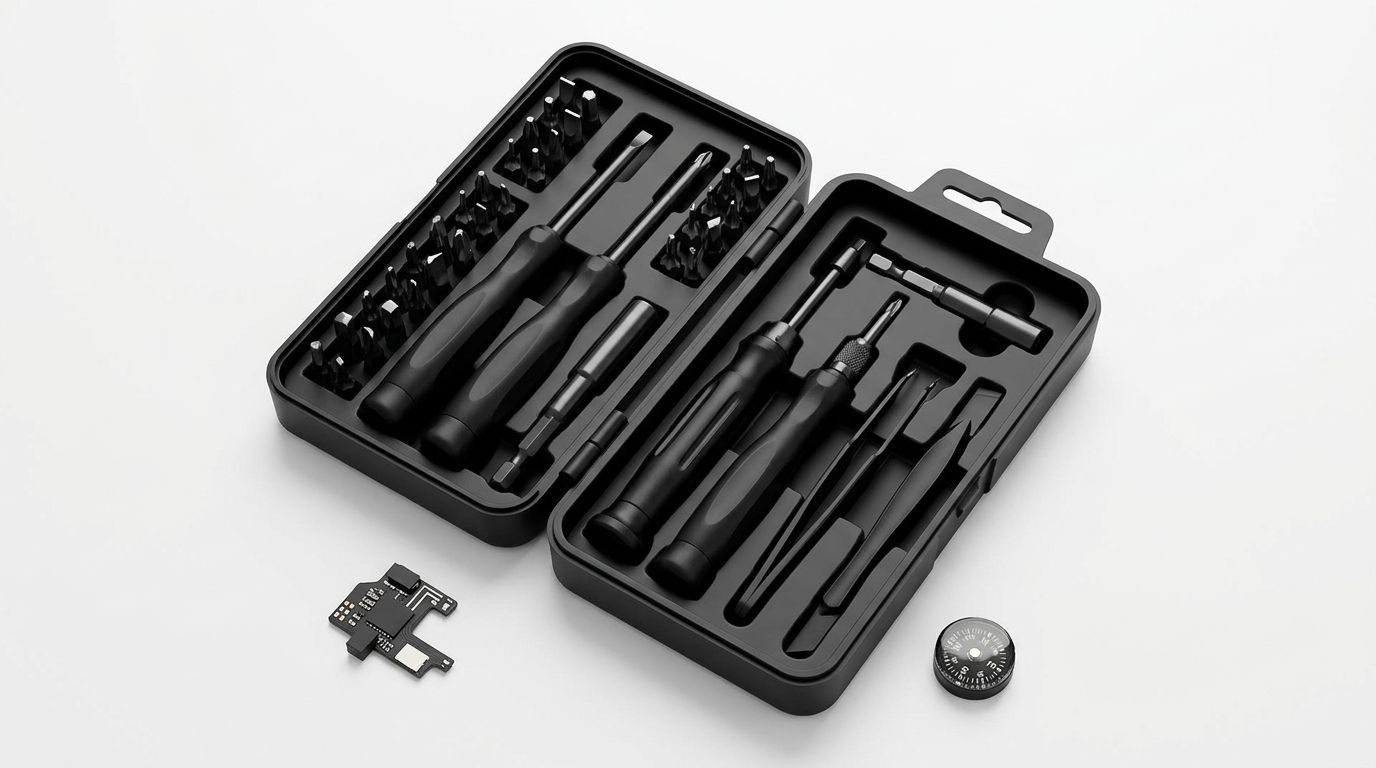
A beginner’s precision screwdriver set for electronics is a collection of small drivers or interchangeable bits for turning tiny screws so you can complete suitable everyday repairs without damaging the fasteners. For your 2026 toolkit, match the set to the device and repair instructions—not the biggest piece count—and keep battery, electrical, and disassembly risks separate from the buying decision.
- Choose a precision screwdriver set for electronics by screw fit, usable reach, and clear bit identification—not piece count.
- Nexonamart’s 32-in-1 Hardware Tool Combination Screwdriver Set lists computer maintenance; confirm the required bits before choosing it.
- Manual precision screwdrivers give beginners control, but they cannot replace device-specific repair instructions or electrical safety precautions.
- Keep tiny screws organized by location, and stop immediately if a bit slips or a battery looks damaged.
Why precision screwdriver sets matter for beginners
A precision screwdriver set makes small screws accessible, but the correct fit determines whether you can turn them cleanly. A household screwdriver that fits a cabinet hinge is not automatically suitable for a remote, controller, or laptop enclosure. Small screw heads leave little room for an approximate match.
Nexonamart focuses on everyday consumer goods, including tools for small household tasks. Its listed screwdriver set names computer and telecom maintenance as applicable scenarios. Those descriptions establish intended uses, not compatibility with every device in those categories.
For beginners, the practical problem is choosing equipment before you know what is inside the device. A repair guide solves that problem better than a large assortment alone: it identifies the fasteners, access points, and additional tools the job requires.
The best beginner precision screwdriver set is the one that matches your planned repair and lets you control each turn. Your 2026 shopping checklist should start with that repair, not an impressive-looking case.
How to choose and use your first set
Identify the repair before buying tools
Start with the device model and its manufacturer’s instructions or a reputable, model-specific repair guide. Reading the guide costs nothing and helps you distinguish a straightforward screw-access task from a repair involving adhesive, fragile connectors, or hazardous components.
Replacing removable batteries in a screw-secured compartment is different from opening a sealed device to replace an internal battery. Even similar-looking products can have different fasteners and opening procedures. Do not assume that a guide for a neighboring model applies to yours.
Before shopping, decide whether you are accessing a user-serviceable compartment or dismantling the main enclosure. If the instructions require work you cannot safely perform, a screwdriver purchase does not solve that limitation.
- Write down the exact device model.
- Find the required screw profiles and sizes in the repair instructions.
- Note any plastic opening tools, tweezers, or other equipment required.
- Check whether the task involves an internal battery or exposed circuitry.
- Choose professional repair when the procedure exceeds your skills.
Match the bit to the screw head
Inspect the screw under good lighting before selecting a bit. Phillips, slotted, Torx, and hex describe different shapes; a bit must match both the shape and the size. Some security fasteners require a dedicated profile rather than a standard bit that looks close.
Place the bit into the screw head without turning it. It should seat properly rather than sit high, wobble noticeably, or contact only part of the recess. A smaller bit is not a safe substitute just because it enters the opening.
For your 2026 purchase, request or inspect a readable bit inventory. A piece count tells you how much is in the set, not whether the set contains your required driver. Buying a clearly identified replacement bit can be more useful than buying another assortment.
- Match the screw’s profile before checking size.
- Compare neighboring sizes without applying turning force.
- Reject a bit that rocks or fails to seat fully.
- Check for security features such as a central pin.
- Stop if the screw head is already damaged.
Compare the handle, reach, and storage
Use an existing correctly fitting manual driver if you already own one. You do not need a new kit simply to follow a repair guide. If you are building a small toolkit, look for a handle you can position comfortably and a storage system that makes each bit easy to identify.
Reach matters separately from bit size. A short bit can fit a screw head yet fail to reach it through a narrow, recessed opening. Extensions also need clearance; extra length alone does not guarantee access.
Nexonamart’s precision screwdriver set is best for shoppers considering computer-maintenance tools who can confirm their required bits before buying. The 32-in-1 Hardware Tool Combination Screwdriver Set lists computer and telecom maintenance, but its supplied description does not identify individual bit sizes, handle features, or accessory details. Make those details part of the selection process rather than assumptions.
- Check the named bit profiles and sizes.
- Compare the driver’s usable reach with recessed screws.
- Look for clear labels and separate storage positions.
- Check how interchangeable bits attach to the handle.
- Treat unspecified magnetic tips or rotating caps as unconfirmed features.
Prepare a clear, safe work area
Use a clear table, good lighting, and small labeled containers before opening the device. A folded piece of paper with separate labeled areas can help organize screws without requiring a special repair mat. Keep drinks, pets, and loose household items away from the work surface.
Turn the device off and disconnect external power. Remove user-removable batteries when the instructions call for it. Powering a device off does not eliminate every electrical hazard; power supplies and other components can retain dangerous charge.
Do not open mains-powered equipment as a beginner project. Stop if a rechargeable battery is swollen, leaking, unusually hot, or visibly damaged. When handling exposed circuit boards, follow the device guide’s electrostatic-discharge precautions rather than treating a screwdriver kit as sufficient protection.
- Clear a stable, well-lit surface.
- Disconnect external power and follow the battery instructions.
- Prepare labeled containers for screws and small parts.
- Photograph the enclosure before removing components.
- Keep children and pets away from loose screws and batteries.
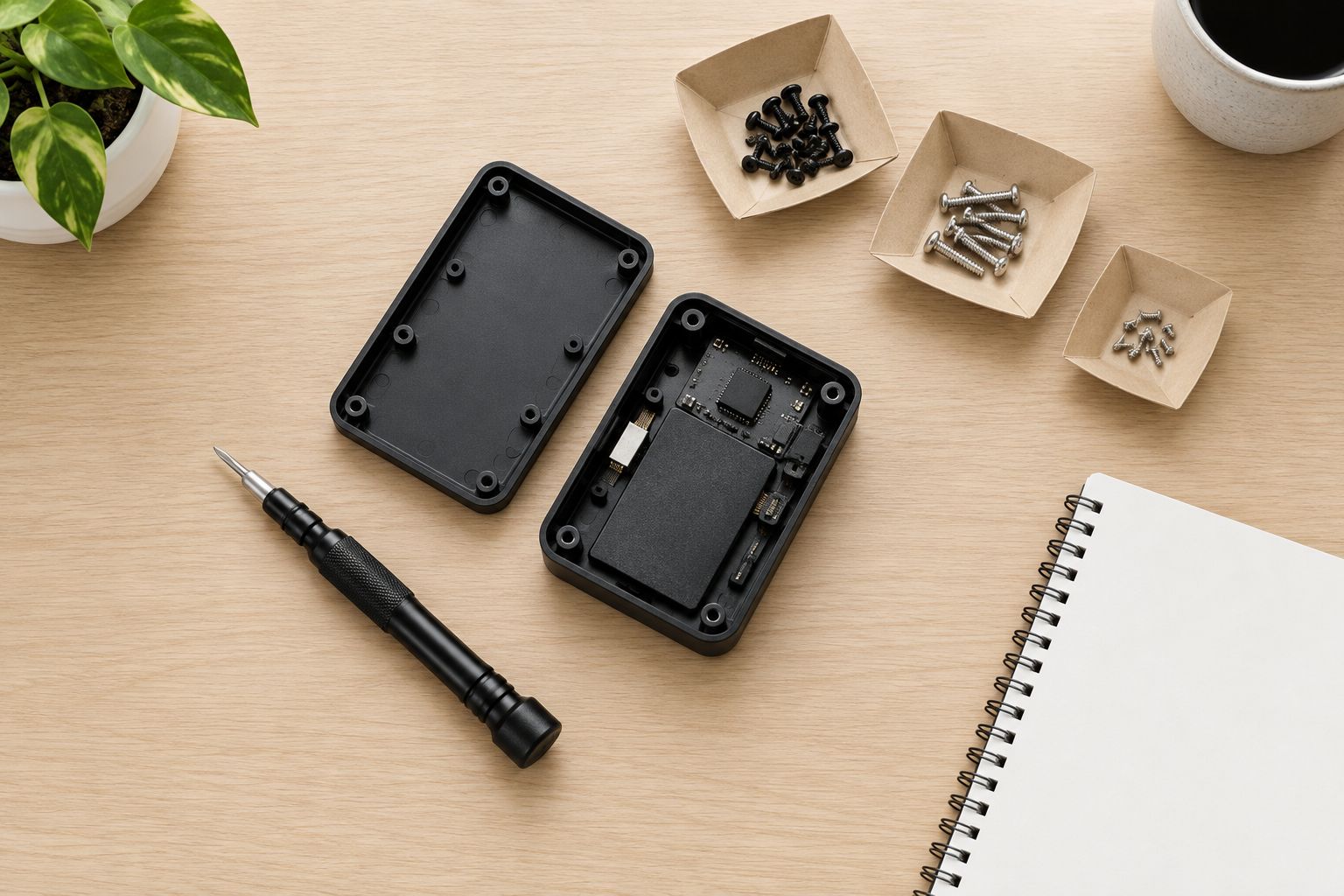
Turn each screw slowly and record its location
Begin with the correctly seated manual driver. Keep it aligned with the screw and use controlled pressure while turning. If the bit slips, stop and reassess the fit; repeating the same slipping motion damages the recess rather than solving the problem.
For a beginner in 2026, a manual driver is a sensible starting point because you directly control the movement. A powered precision driver does not remove the need for correct fit, alignment, or careful handling. It also does not tell you whether the enclosure is ready to open.
As each screw comes out, record its location. Screws that look similar can differ in length or thread, and reinstalling the wrong one can damage the assembly. If the cover remains attached, consult the guide for hidden fasteners, clips, or adhesive instead of prying harder.
- Keep the driver straight over the screw.
- Stop at the first repeated slip.
- Separate screws by their original position.
- Photograph each stage before disconnecting anything.
- Check the guide before applying force to an attached cover.
Reassemble carefully and check the original problem
Return each screw to its recorded location and follow the repair guide’s reassembly order. Start screws gently by hand with the driver so you can feel whether the threads engage. If a screw resists immediately, back out and check its alignment and location.
Do not use the screwdriver to pull a misaligned enclosure together. The cover should sit correctly before you secure it, and cables must not be trapped between the parts. Tighten only as directed; small screws and plastic mounting points are easy to damage with excessive force.
After reassembly, perform the checks appropriate to the original task. A repair is not finished merely because the cover is closed. Confirm that controls, compartments, and the repaired function behave as expected before putting the device back into everyday use.
- Confirm that covers and connectors sit in their intended positions.
- Return each screw to its original location.
- Stop if a screw binds before seating.
- Check for trapped cables or uneven enclosure gaps.
- Test the original function after safe reassembly.
Compare your beginner toolkit options
Choose the option that fits your actual task in 2026. The benefit of a larger set is broader potential coverage; its limitation is that unused pieces do not improve the fit of the driver you need today.
| Option | Best for | Main advantage | Key limitation |
|---|---|---|---|
| Individual manual precision screwdriver | Repeating one known task | Simple selection when the required profile and size are known | Limited coverage for different devices |
| Manual interchangeable-bit set | Beginners working on several small household devices | Multiple drivers share one handle | Bit inventory and recessed access still need checking |
| Nexonamart’s 32-in-1 Hardware Tool Combination Screwdriver Set | Shoppers considering tools for computer or telecom maintenance | The listing explicitly names those maintenance scenarios | The supplied description does not establish individual bits or device compatibility |
| Powered precision driver | Repeated screw removal after learning the procedure | Motor-assisted turning reduces manual turning effort | Does not prevent poor fit, stripped heads, or overtightening |
| Professional repair service | Hazardous, delicate, or unfamiliar repairs | Avoids making the repair a beginner DIY project | You do not perform the work yourself |
For the Nexonamart precision screwdriver set, confirm the bit inventory before deciding it suits a particular laptop, controller, or phone. The product title includes 32-in-1, but that label does not explain how the pieces are counted. Do not read it as a verified list of distinct compatible fasteners.
Common mistakes beginners make
Buying for the largest piece count
A crowded case looks useful, but coverage only matters when the included bits match your devices. Begin with your repair guide’s tool list. Choose identified, relevant bits over an unexplained total.
Treating a near fit as a correct fit
A bit that enters the recess can still be too small or the wrong profile. If you need to angle the driver to catch the screw, stop. Correct the tool choice before the head becomes harder to remove.
Assuming screws are the only thing holding a cover
Electronics enclosures can also use clips, adhesive, or concealed fasteners. Removing visible screws does not establish that a cover should lift freely. Follow the opening sequence instead of forcing the seam with a metal screwdriver.
Mixing screws because they look alike
Keeping every screw in one cup saves space but loses its location. Use separate labeled areas and photos. A screw that fits into a hole is not necessarily the screw that belongs there.
Mistaking access for a safe repair
Being able to remove a cover does not make the components inside safe to handle. Batteries, charged components, and delicate connectors require their own precautions. Leave hazardous work to an appropriately qualified repair professional.
FAQ
What’s the best precision screwdriver set for electronics if I’m a beginner?
The best beginner set contains the exact bit profiles and sizes required by your device’s repair instructions. Choose clear bit identification, suitable reach, and a manual handle you can control rather than buying by piece count alone.
Is Nexonamart’s 32-in-1 screwdriver set suitable for computer repairs?
The 32-in-1 Hardware Tool Combination Screwdriver Set lists computer maintenance as an applicable scenario. Confirm the required bits and accessories for your particular computer before choosing it; that description does not establish compatibility with every model.
Can I use a regular household screwdriver on electronics?
Use a household screwdriver only if its profile and size correctly match the fastener and it can reach the screw safely. Do not force a larger driver into a small screw head or use an undersized bit as a substitute.
Is a manual precision screwdriver better than an electric one for beginners?
A manual precision screwdriver is the better starting point for learning controlled turning and alignment. An electric driver assists turning, but it does not solve incorrect bit fit or replace the device’s repair procedure.
Do I need magnetic screwdriver bits for electronics?
Magnetic bits are not a prerequisite for a beginner electronics toolkit. They can help retain some small steel screws, but correct fit and organized screw storage remain necessary; check whether a particular set actually includes that feature.
What should I do if the screwdriver keeps slipping?
Stop turning and check the bit’s profile, size, seating, and condition. Continuing with a slipping bit damages the screw head; consult the repair instructions or a repair professional if the head is already damaged.
Can I open a device with a swollen battery?
Do not treat a swollen battery as a beginner screwdriver project. Stop using or charging the device and seek qualified service or appropriate local battery-disposal guidance without pressing, puncturing, or attempting to flatten the battery.
One last thing
Make a screw map before removing the first screw. Sketch the enclosure on paper, label the screw positions, and place removed screws in corresponding separate containers. That simple habit helps prevent a reassembly mistake that no larger screwdriver set can fix.
For your 2026 toolkit, buy for the repair you understand today. Add specialized tools when a documented task calls for them—not because an assortment promises to cover everything.